Do you prefer listening to music while working?
Learn a trick to help you play YouTube videos in the background on your
iPad or iPhone.
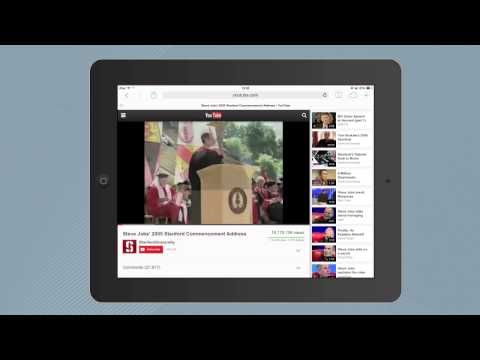
This is only possible on desktop computers and not mobile devices since YouTube on mobile stops playback as soon you put the video player in the background. The YouTube app, or the YouTube website, needs to be in the foreground else the video pauses itself.
There’s however an easy workaround ↓ that will let you play any YouTube video in the background on your iPad or iPhone. Here’s the trick:
Open the Safari browser on your iOS device and play any of your favorite song on the YouTube website. Now tap the Home button to go to the home screen, or swipe to switch to a different app, and you’ll notice that the YouTube video has stopped playing.
Swipe up from the bottom of the screen to open the Control Center and tap the Play button. Voila! The paused YouTube video will resume playback and you can now switch to any app on your iOS device while the audio streams in the background.
If you are using an older model of iPhone or iPad that has not been upgraded to iOS 7, you can still use the same technique to “listen” to YouTube videos playing in the background. Instead of the swipe-up gesture, double-press the home button and swipe the notifications bar from left to right. Press the “Play” button to resume the paused YouTube video.

Swipe up the screen to access the iOS 7 control center

Double-press the home button and swipe right to Play videos in iOS 5.

No comments:
Post a Comment